Your medicine time, said out loud
A pill reminder that rings again until you check it off.
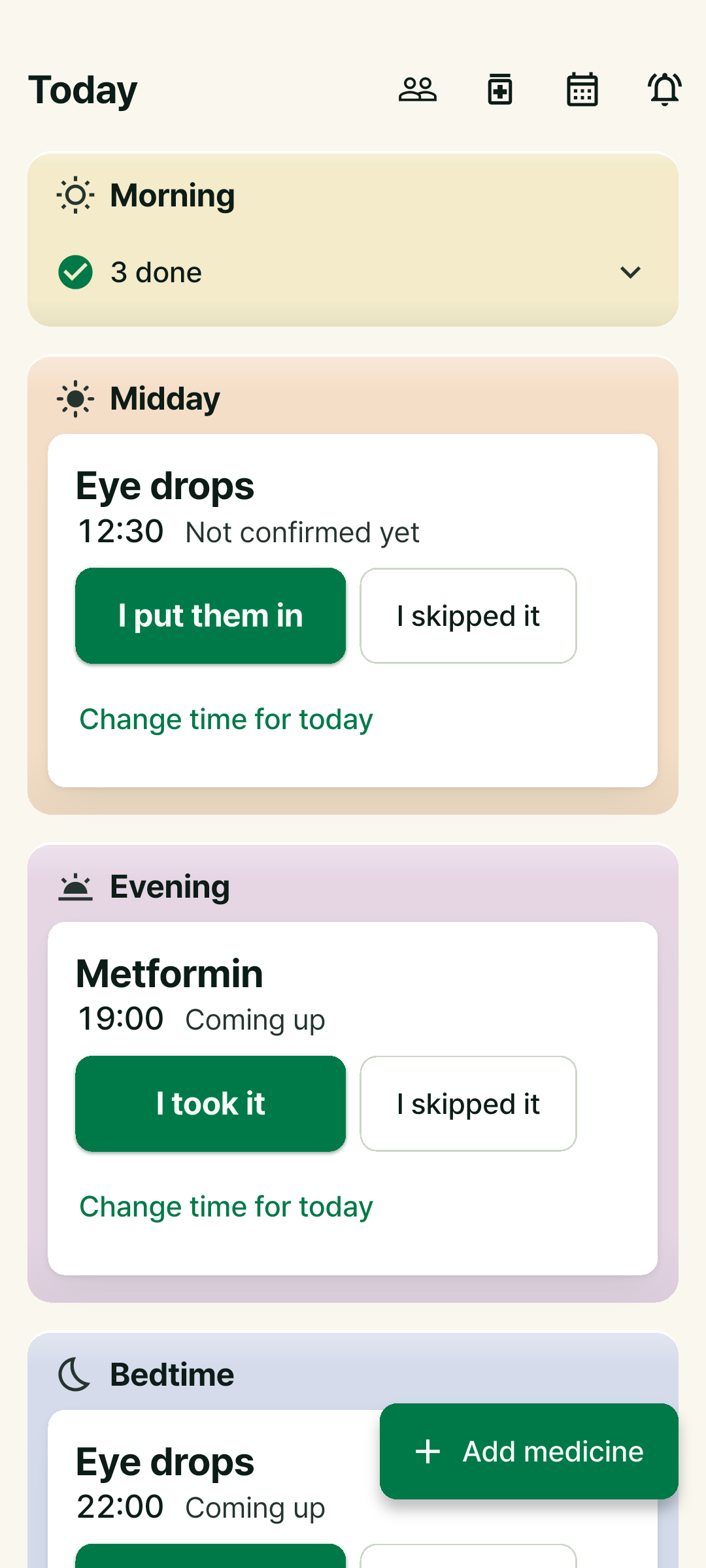
Miss it once, it rings again
A voice comes first. If you don’t check it off, the bell follows.
Voice
“It’s time to take your medicine,” in your phone’s language.
Bell
No check yet, so the bell rings, and a few more times after that.
I took it
Tap it right on the notification and the remaining bells stop.
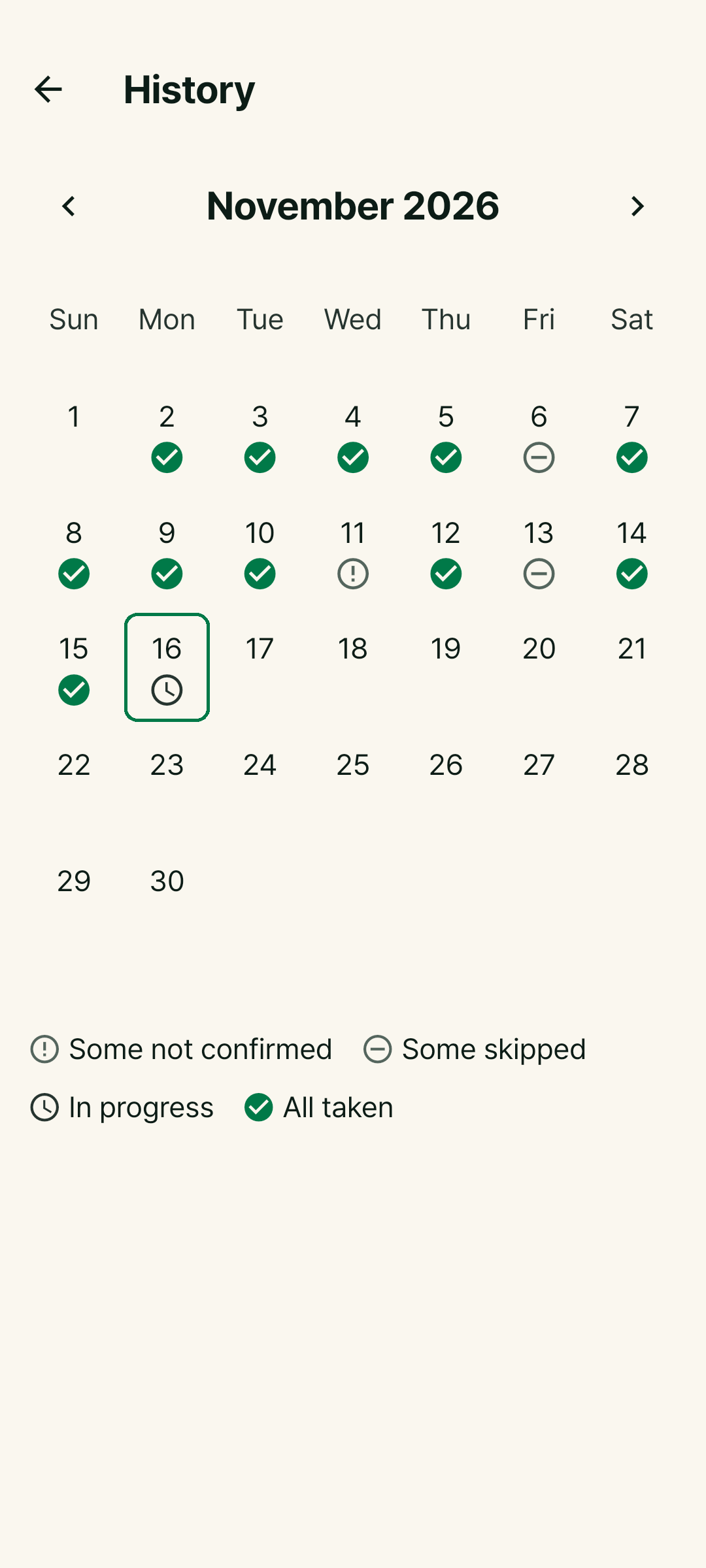
Two weeks of doses on one calendar
Taken, skipped and unconfirmed days, all at a glance.
- Export a CSV file for your next appointment
- Doses checked on the lock screen are marked
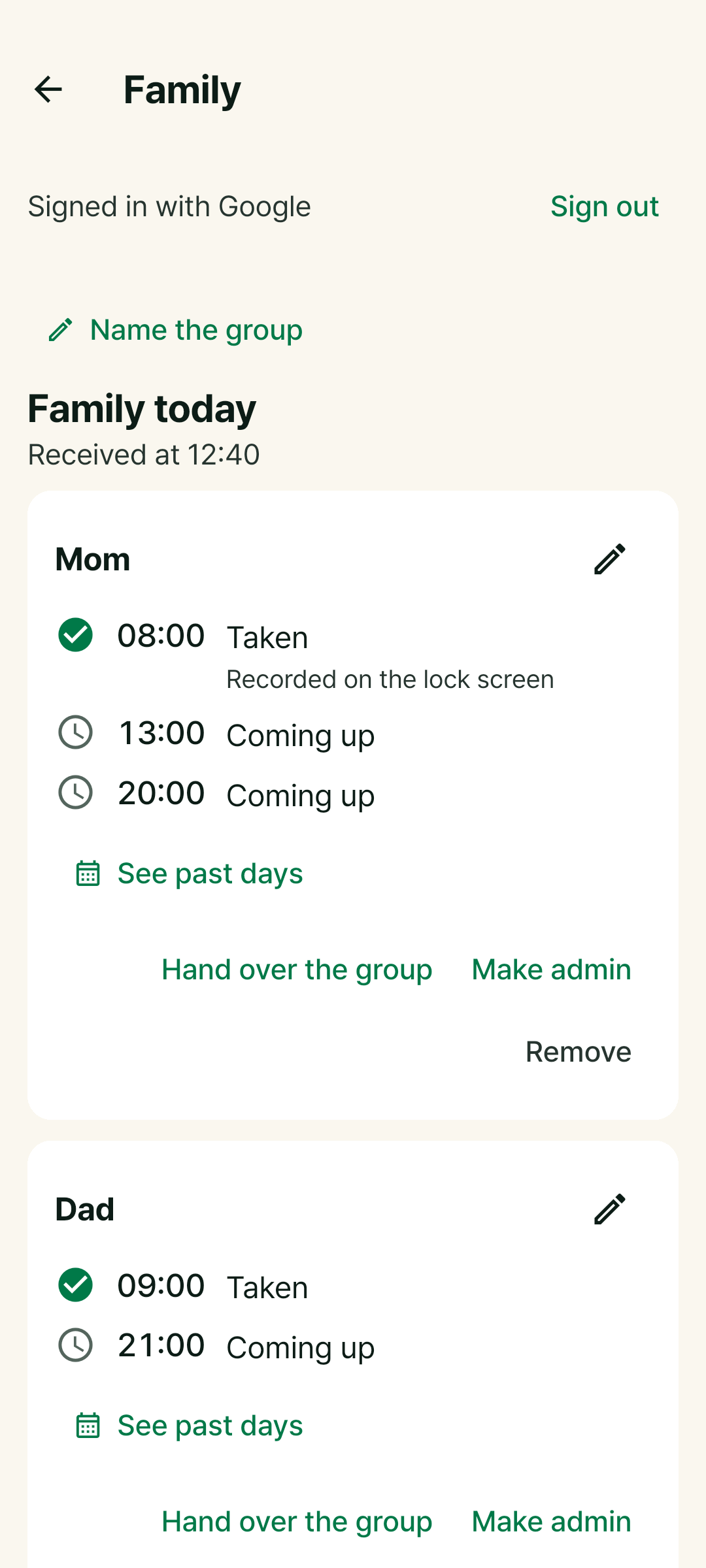
Your parents' medicine today, from afar
Only the family members they choose can see their record.
- Medicine names are not sent by default
- A quiet alert when a dose goes unconfirmed
Family sharing is part of CareRing Plus (30-day free trial). Android first, iPhone coming soon.
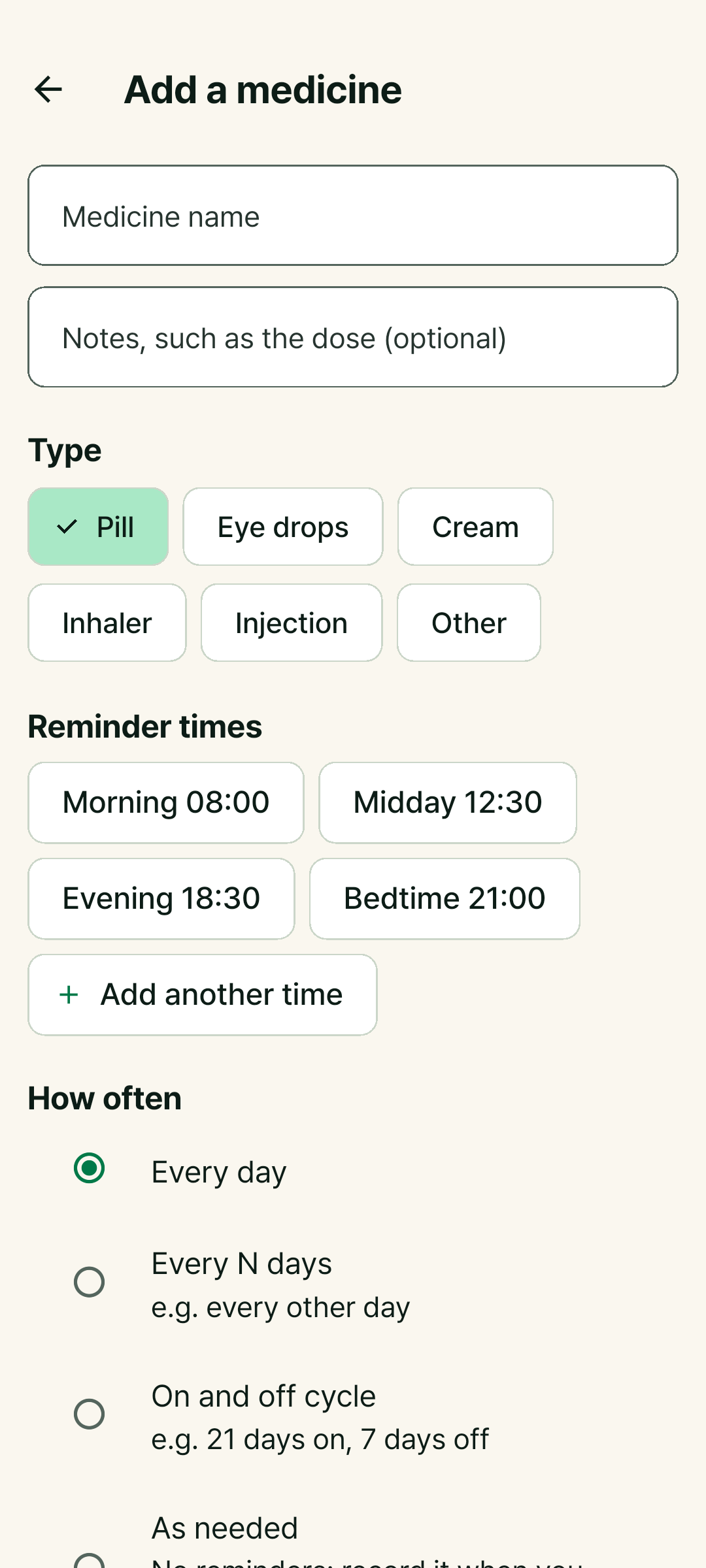
No medicine names on the lock screen
Anyone glancing at your phone sees only the type. No sign-up, no ads.
Questions
- Is it free?
- Reminders and records for your own use are free. Family sharing and the family voice reminder come with CareRing Plus, with a 30-day free trial you can cancel any time before you pay. No ads.
- My reminder didn’t ring.
- Tap the bell button at the top right to open Reminder check. It finds the setting that is off. The guide shows where each setting lives on your phone.
- Can I set it up on my parents' phone?
- Yes. There is no sign-up, so install it, add their medicines and you’re done.
- Does it work on iPhone?
- The iPhone version is getting ready for the App Store. Family sharing comes to Android first.
Medicine notes
Keep forgetting your medicine? 5 ways to make it a habit
If you keep forgetting your daily medicine, change the setup rather than relying on willpower. Anchor it to a routine, keep it in sight, use a reminder that rings again, and check your record.
Helping parents who live far away with their medicine, without calling every day
If asking your parents about their medicine every day feels like nagging, set up an easy reminder on their phone and share only their dose record. Setup steps and how to talk about it.
Let it handle tonight’s medicine
Add a name and a time, and it starts ringing today.